
nullGuard 1.1.6 - The Easiest Way to Self-Host a VPN - What's New

Quick changelog for the latest nullGuard 1.1.6 update. A few quality-of-life improvements and one feature that should have been there from the start.
Config Download Now Includes QR Code
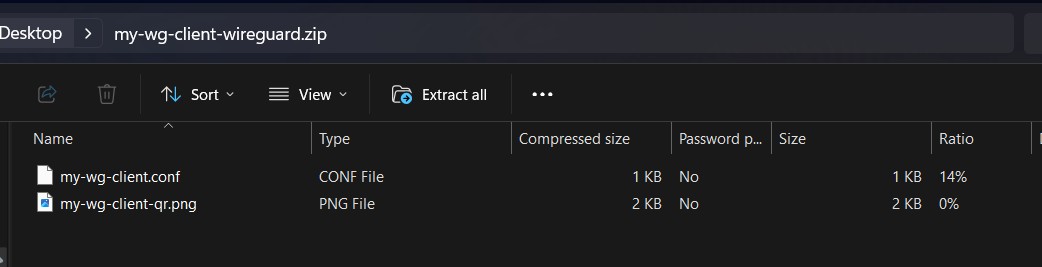
Previously, downloading a client config gave you a zip with just the .conf file. Now it also includes a QR code PNG in the package. Download it, unzip it, hand someone the QR code image - they scan it and they're connected. No need to separately grab the QR from the web UI.
Auto-Restart on Client Changes
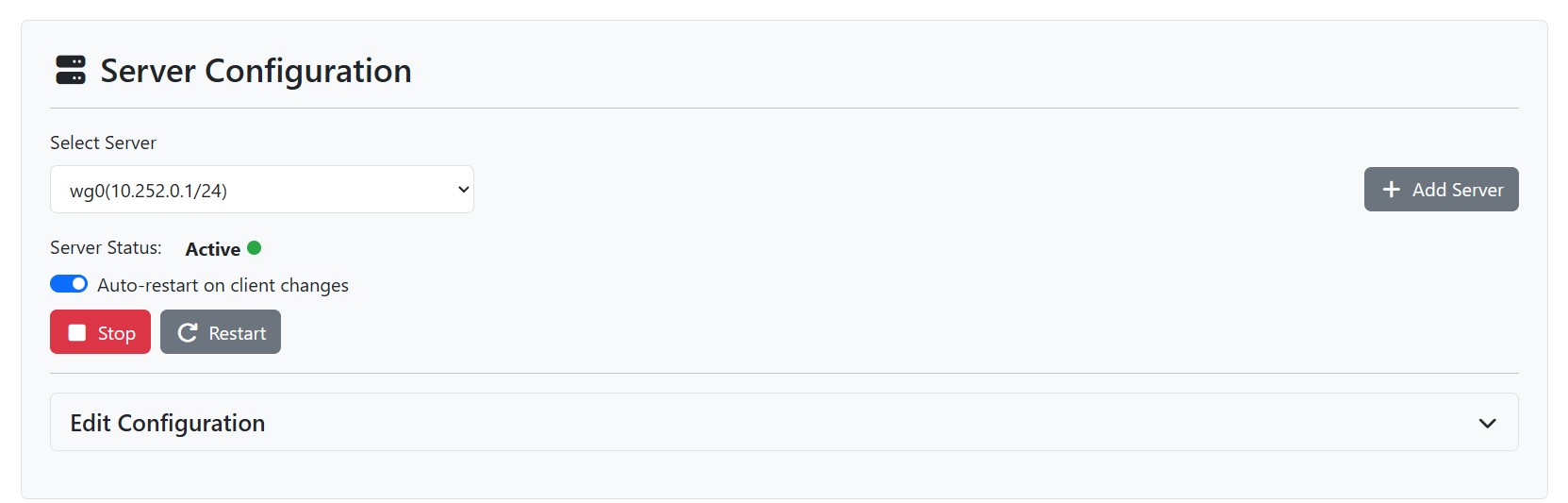
Every time you added, updated, or deleted a client, you had to manually restart the server for the changes to take effect. Now there's a toggle on the server page - "Auto-restart on client changes" - that does exactly what it says. When enabled, the server automatically regenerates its config and restarts whenever a client is modified. Only triggers if the server is currently running.
Available via the API too:
curl -X POST http://localhost:8080/api/v1/toggle-auto-restart \
  -H "Authorization: Bearer <token>" \
  -H "Content-Type: application/json" \
  -d '{"serverId": 1, "autoRestart": true}'
Info Tooltips on Form Fields
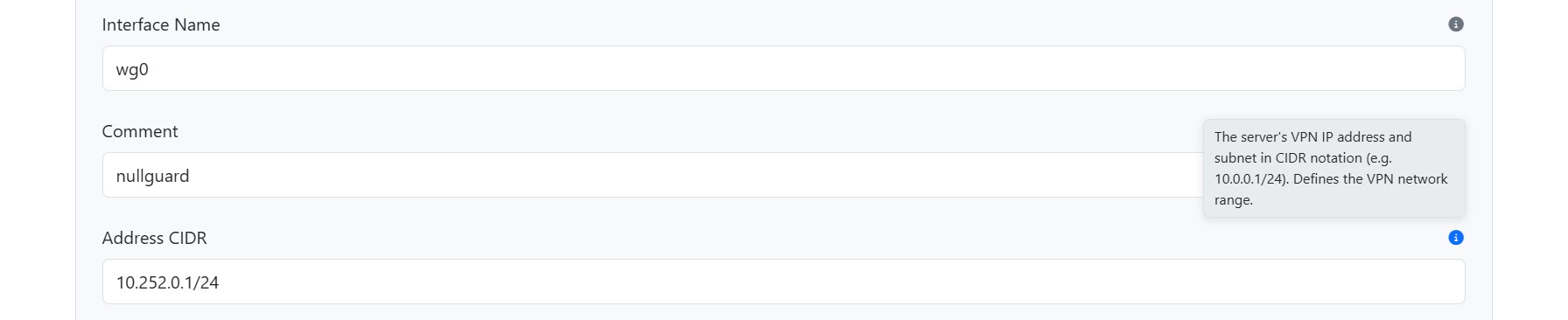
Every field on the server and client configuration forms now has a small info icon that shows a description on hover. If you know what "Supernet CIDR" means, great - ignore it. If you don't, hover over the icon and it'll tell you. Entirely in CSS and works on mobile too (tap to show).
Mobile Layout Fix
The server and client select dropdowns were colliding with their "Add" buttons on small screens. They now wrap properly with spacing instead of fighting for the same row.
Pulsing Status Dots
The green status dots on the server and client pages now have a subtle pulse animation. Small thing, but it makes it easier to spot at a glance which connections are alive.
GORM handles the new database column automatically on startup.
- GitHub: github.com/nullata/nullguard
- Docker Hub: hub.docker.com/r/nullata/nullguard